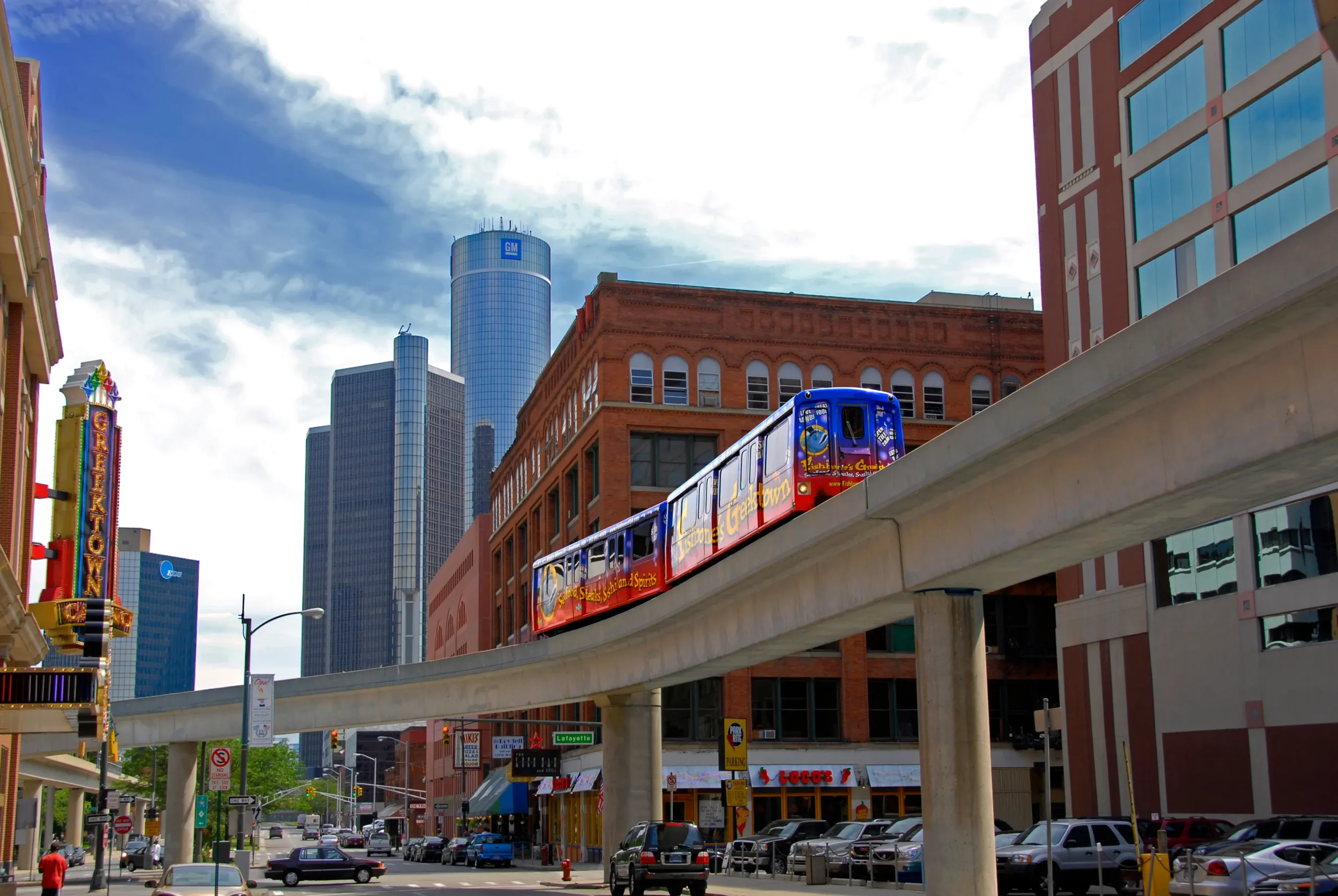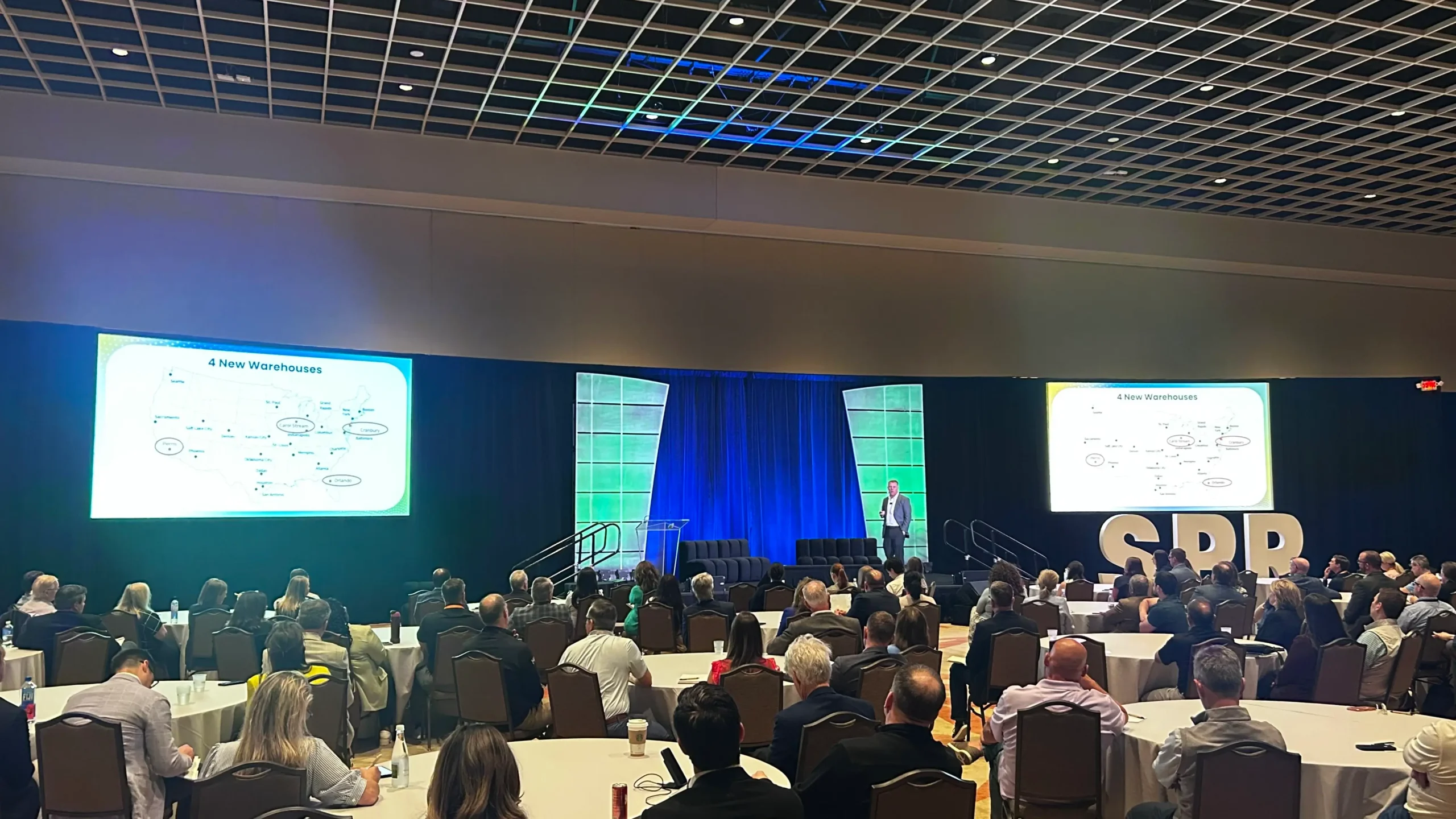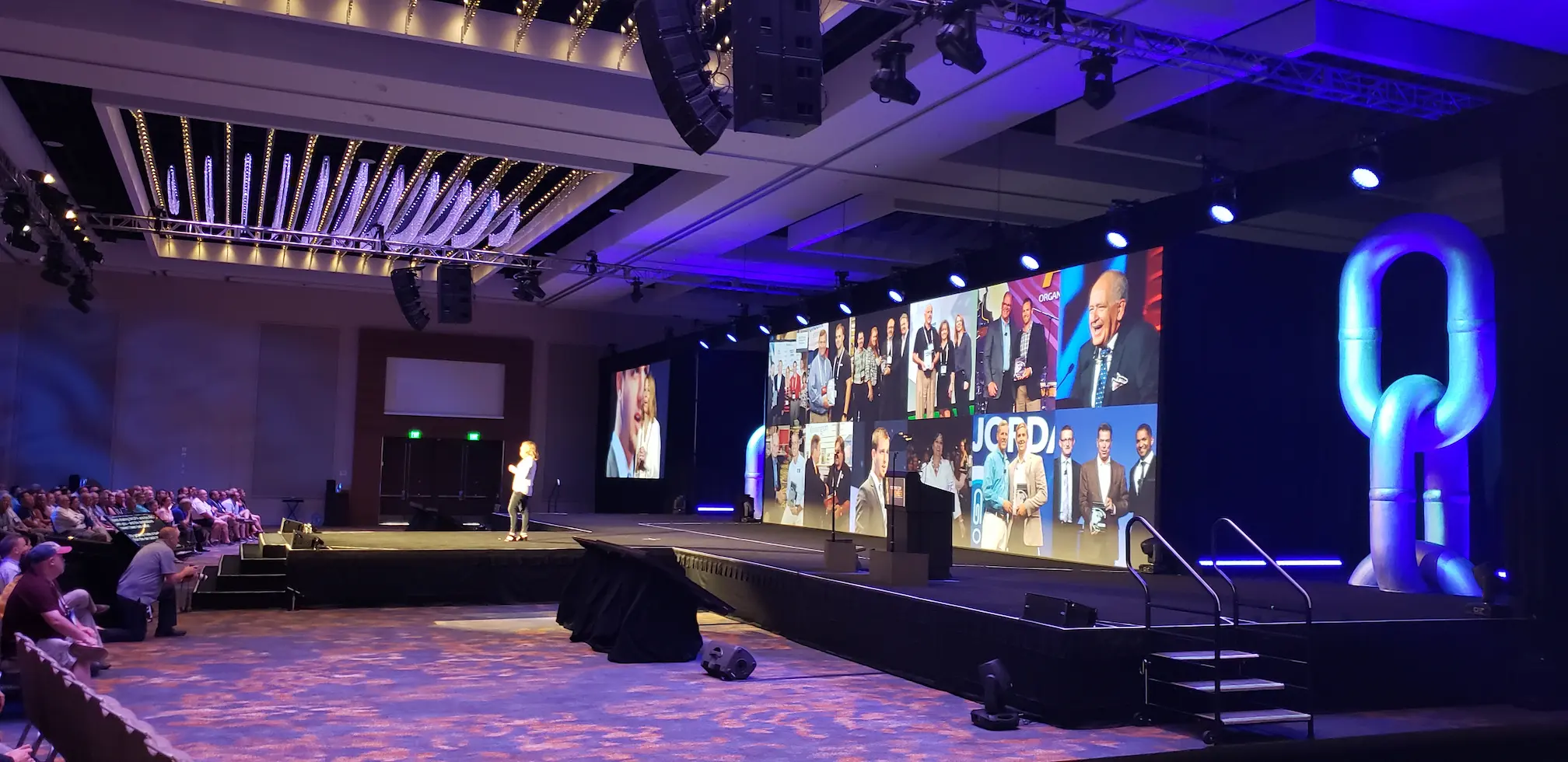

Producing a corporate event inside one of Detroit’s most recognizable destinations takes more than choosing microphones, screens, and speakers from an equipment list. The room, agenda, audience size, presentation format, access schedule, and venue requirements all affect the production plan.
When arranging AV rental at Detroit Marriott Renaissance Center, the best time to address these variables is before the floor plan and event schedule become difficult to change. Early coordination helps prevent obstructed sightlines, inconsistent sound, rushed rehearsals, incomplete breakout-room setups, and expensive last-minute revisions.
On Site Specialists has worked at the Renaissance Center and understands the value of entering the planning process with a clear technical strategy. We support corporate planners with audio visual services, equipment, production management, and experienced technicians suited to each event’s format.
What AV support does a Renaissance Center event need?
A corporate event at Detroit Marriott at the Renaissance Center may require professional sound reinforcement, microphones, presentation displays, lighting, staging, video playback, recording, webcasting, and technical operators. The correct combination depends on the selected rooms, attendance, program format, content, branding requirements, and whether remote participants will join.
Equipment is only one part of that answer. It must be integrated into a workable show plan.
The hotel lists 38 event rooms, 29 breakout rooms, more than 125,000 square feet of total event space, and capacity for up to 2,200 guests in its largest space. That flexibility can support executive meetings, conferences, general sessions, product presentations, fundraisers, and multi-room programs. It also introduces coordination questions that should be resolved early.
Start with the event—not the equipment list
Before deciding which equipment to rent, define what the audience needs to see, hear, and do.
A useful technical discovery process covers:
- The purpose and desired outcome of the event
- Expected attendance in each room
- General-session and breakout schedules
- Speaker, panel, and performance formats
- Presentation and video sources
- Scenic and branding requirements
- Recording, streaming, and remote-participant needs
- Accessibility considerations
- Rehearsal expectations
- Setup and teardown windows
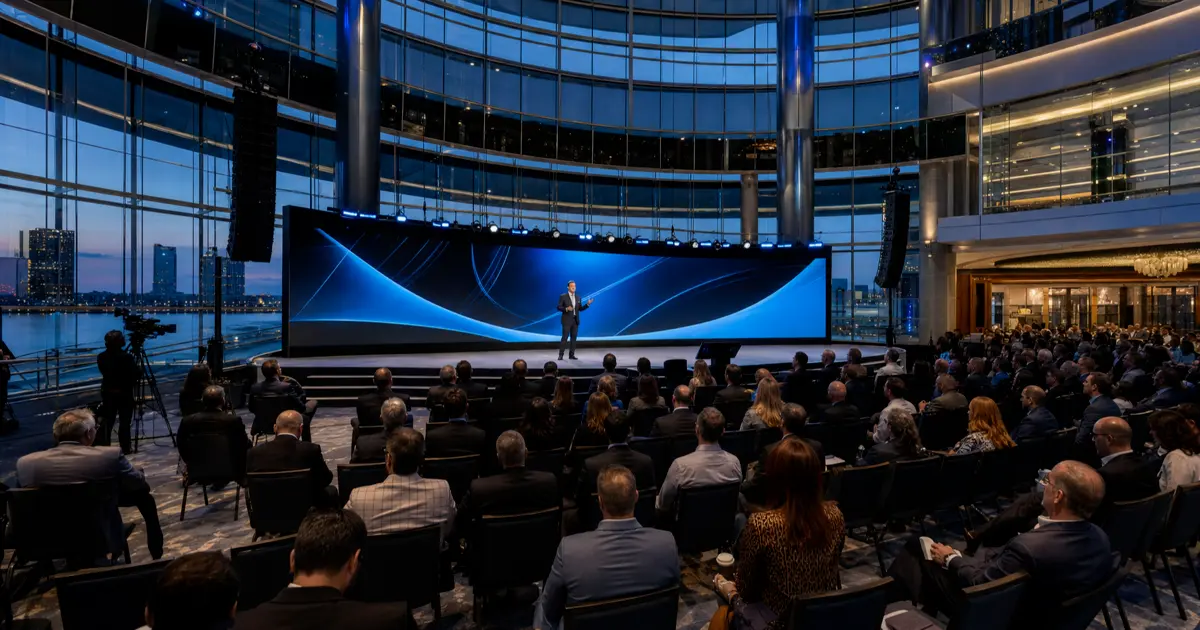
A keynote for 1,000 attendees needs a different system than an executive discussion for 80 people. A multi-room conference may require centralized show control, several technical teams, coordinated presentation files, and reliable communication between rooms.
Our event-management services help connect these individual requirements to one production plan.
Match the visual system to room size and sightlines
Screens should be selected based on viewing distance, seating width, ceiling conditions, stage placement, ambient light, and the type of content being displayed.
A screen that looks large during an empty-room walkthrough can feel much smaller once the room contains a stage, tables, cameras, speakers, scenic elements, and hundreds of attendees. Detailed spreadsheets and small presentation text are especially difficult to read from the rear or sides of a wide room.
Depending on the layout, the right solution could include:
- Projection and appropriately sized screens
- LED video walls
- Large-format displays
- Image-magnification cameras
- Confidence monitors for presenters
- Supplemental displays for side or obstructed seating areas
- Digital signage for schedules and wayfinding
LED walls can provide strong brightness and design flexibility, while projection may be the efficient choice for other spaces. The decision should follow a room-specific evaluation rather than a default preference.
Sightline drawings are particularly valuable for large general sessions. They allow the planning team to evaluate screen height, speaker placement, stage depth, camera positions, and potential obstructions before installation begins.
Design audio for coverage and intelligibility
Corporate audio is not simply about making the room loud. The objective is consistent, intelligible speech across the seating area without distracting volume near the front.
Room dimensions, seating orientation, stage position, ceiling height, reflective surfaces, and audience size all influence speaker selection and placement. Panel discussions also introduce microphone-management needs that differ from a single-presenter keynote.
The audio plan may include:
- Wireless handheld or lavalier microphones
- Podium and panel microphones
- Main and delay speakers
- Digital audio mixing
- Playback from presentation and video systems
- Press or recording feeds
- Assistive-listening coordination
- Backup microphones for critical presenters
A sound check should test more than whether each microphone turns on. The technician should listen from representative audience positions, confirm playback levels, check wireless performance, and rehearse presenter handoffs.
Treat breakout rooms as part of one production
Breakout rooms often appear simple until every facilitator arrives with a different laptop, adapter, presentation format, video clip, or conferencing request.
For a program using several of the hotel’s breakout rooms, create a repeatable room standard. That might define one display configuration, a consistent connection method, microphone quantities, presentation controls, and the level of technical support in each room.
Standardization offers several advantages:
- Presenters encounter a familiar setup
- Technicians can diagnose problems faster
- Spare equipment can support several rooms
- Session transitions become easier
- Presentation content is less likely to be routed incorrectly
Rooms with panels, remote speakers, audience questions, or recorded sessions may need dedicated operators. Simpler rooms may be supported by technicians assigned to a nearby group of spaces. The staffing model should reflect the agenda’s actual risk rather than room count alone.
OSS can provide an experienced event audio visual technical crew for audio, video, lighting, graphics, projection, recording, and show-direction roles.
Confirm venue access and outside-vendor requirements
Never assume that equipment can arrive whenever the production team is ready.
The event planner, hotel contact, and AV provider should confirm:
- Approved loading and unloading locations
- Service-elevator reservations
- Delivery-vehicle procedures
- Security and credential requirements
- Room-access times
- Labor requirements
- Power and rigging rules
- Internet ordering and network access
- Equipment-storage locations
- Teardown deadlines
- Outside-vendor fees or restrictions
Published load-in information for the hotel directs exhibitors to arrange and approve load-in and load-out times with their event manager. Event requirements can change, so the current procedures should be confirmed directly with the venue for every program.
This coordination is especially important when a general session, registration area, sponsor displays, and breakout rooms must all be installed within one access window.
Plan for hybrid audiences and event recording
A hybrid program requires more than placing a laptop near the sound console.
Remote attendees need clean program audio, appropriate camera coverage, readable presentation content, and an operator who can monitor the outgoing experience. Presenters also need a dependable way to see or hear remote participants without disrupting the in-room program.
A proper hybrid plan should address:
- Internet bandwidth and dedicated connectivity
- Camera quantities and positions
- Audio feeds for remote viewers
- Presentation and video playback
- Remote presenter testing
- Platform management
- Recording formats
- Redundancy
- Permission and content-release requirements
Our live webcast services can integrate remote audiences and recording requirements into the larger event-production workflow.
Build rehearsal time into the schedule
Technical rehearsal is where content, people, equipment, and timing finally meet. It should not be reduced to the few minutes before doors open.
At minimum, allow time to:
- Test every presentation source
- Review videos and embedded audio
- Fit and test presenter microphones
- Confirm walk-on and walk-off cues
- Review lighting states
- Practice panel transitions
- Test remote presenters
- Verify recording and streaming feeds
- Confirm backup content and equipment
A rehearsal also helps presenters understand confidence monitors, presentation controls, stage marks, microphones, and timing cues. That preparation makes the event feel more natural while giving the technical team an opportunity to resolve problems outside the audience’s view.
Decide whether you need equipment rental or full production
Some meetings need a straightforward AV equipment rental. Others need design, delivery, installation, show operation, content coordination, technical direction, and teardown.
Ask these questions:
- Who is responsible for confirming system compatibility?
- Who will install and test the equipment?
- Who will operate microphones, video, lighting, and presentations?
- Who owns the show schedule and technical cues?
- What is the backup plan if a device or content source fails?
- Who coordinates changes with the venue and other vendors?
If those responsibilities are unclear, the event probably needs a more complete production solution.
A practical planning checklist
Before approving the AV scope, confirm that the production team has:
- The latest agenda and room assignments
- Attendance estimates by room
- Accurate floor plans
- Presenter and panel requirements
- Content specifications and deadlines
- Venue access and labor information
- Power, rigging, and internet requirements
- A technical staffing plan
- Rehearsal and testing time
- Backup equipment and content procedures
- A designated decision-maker for show day
The earlier these items are addressed, the more opportunity the team has to solve conflicts without compromising the program.
Plan your Renaissance Center event with OSS
A recognizable Detroit venue deserves an AV plan built around the room, audience, message, and schedule. OSS combines more than 35 years of event-production experience with equipment rental, project management, technical staffing, webcasting, and on-site execution.
If you are planning a corporate meeting, conference, presentation, fundraiser, or product event at Detroit Marriott at the Renaissance Center, request a quote or contact OSS. You can also call 248-585-4677 to discuss your venue, agenda, attendance, and production requirements.
5. FAQ section
Can I use an outside AV company at Detroit Marriott at the Renaissance Center?
Outside-vendor policies, fees, labor requirements, and technology rules should be confirmed directly with the hotel before contracting services. Ask the venue to document current requirements, then include your AV provider in access, power, internet, rigging, and schedule discussions.
How far ahead should I plan AV for a Renaissance Center event?
Begin AV planning as soon as the venue, dates, and basic agenda are established. Large conferences, multi-room programs, hybrid events, and LED-wall productions generally require more lead time than a straightforward meeting. Early planning also protects time for access coordination and rehearsal.
Does OSS provide technicians with its AV rentals?
Yes. OSS provides technical professionals for roles including audio, video, lighting, projection, graphics, recording, and technical direction. The number and type of technicians should be based on the room count, agenda, system complexity, and level of show control required.
What information does OSS need to prepare a quote?
Useful information includes the venue, dates, attendance, room assignments, agenda, stage and seating plans, presenter format, display needs, microphone requirements, branding, streaming or recording requirements, setup schedule, and venue rules.
Can OSS support hybrid and recorded events?
Yes. OSS provides webcasting, video recording, cameras, audio systems, switching, playback, and technical operation. Connectivity and platform requirements should be evaluated early so the in-room and remote experiences can be designed together.
6. WordPress excerpt, category, and tags
Excerpt:
Planning an event at Detroit Marriott at the Renaissance Center requires more than choosing equipment. Learn how room layouts, sound coverage, displays, breakout sessions, venue access, hybrid production, technical staffing, and rehearsal time should shape your corporate AV plan.
Category: Event Planning & AV Production
Tags:
- Renaissance Center
- Detroit Marriott
- Detroit AV rental
- Corporate event production
- Audiovisual equipment rental
- Detroit corporate events
- Event technical crew
- Hybrid events
Search objective: Capture venue-specific, high-intent searches from corporate planners seeking AV rental or production support for an event at Detroit Marriott at the Renaissance Center.